Positions dashboard
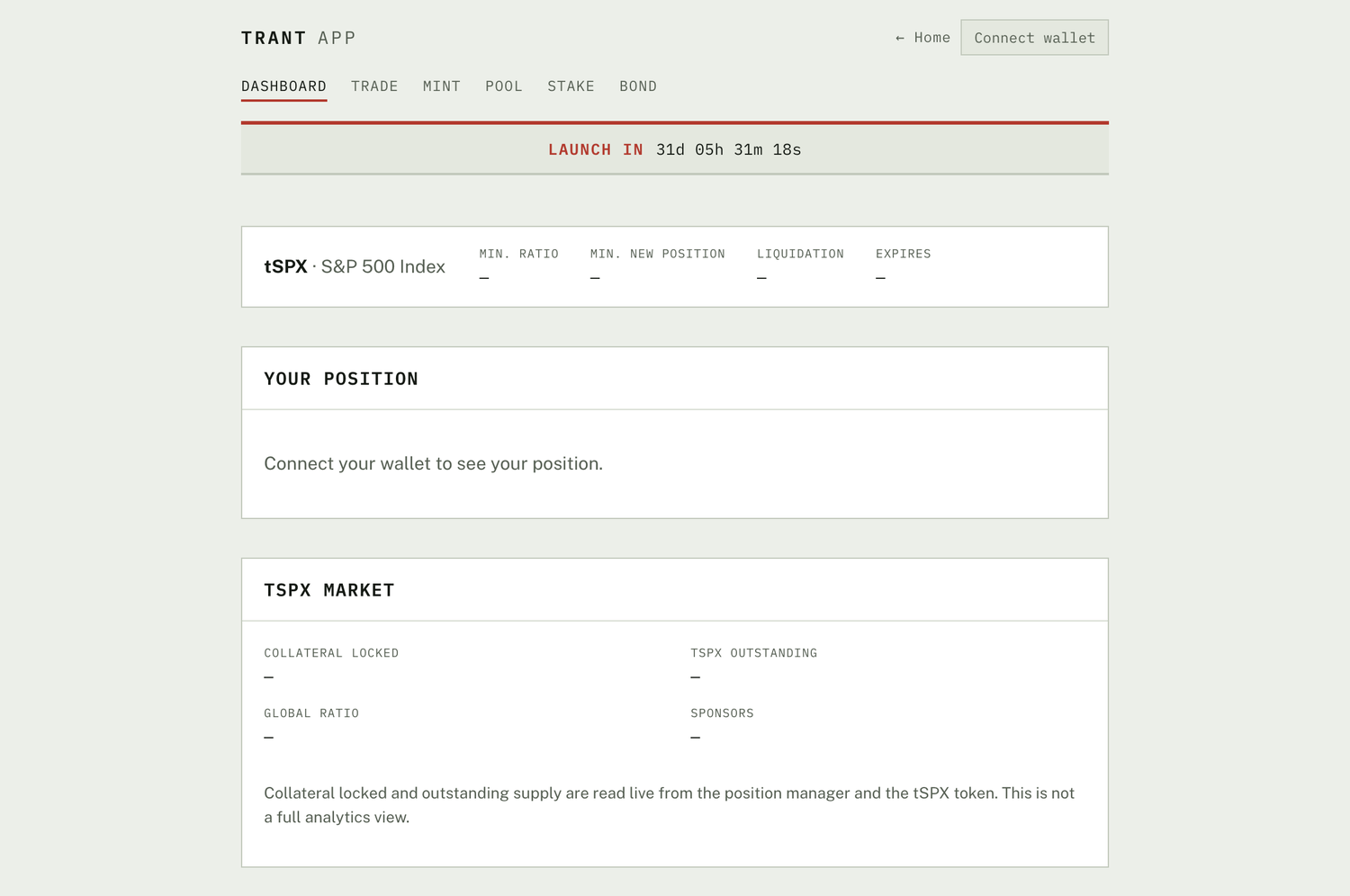
This page describes the full planned dashboard. The current app preview shows a read-only view only — your position, wallet balances, and market figures — with no position adjustment. Deposit, withdraw, redeem, repay, and the balances below arrive when the position manager and token layer ship. Nothing is deployed.
The dashboard is the control panel for everything you hold. It shows every open and past synthetic position at a glance so you can judge each one's health and act quickly. Every change to a position is made from the Options control on that position.
Balances
- $GAUGE balance: the $GAUGE held in your wallet.
- Bond balance: $GAUGE you are vesting from bonds, with the amount unlocked so far.
Open positions
Each open position shows:
- Status: healthy, close to the liquidation threshold, expired, or under dispute.
- Balance: the synthetic token balance available in your wallet.
- Collateral deposited: the collateral currently locked in the position. For an event-triggered synth, this is the current basket and its weights.
- Synthetic tokens outstanding: the amount of synthetic minted against this position.
- Minimum position size: the smallest amount of synthetic that may be minted to open a position.
- Collateralisation ratio: the current value of collateral relative to the synthetic minted against it.
- Minimum collateralisation ratio: the level the position must stay above to avoid liquidation.
- Reference price: the latest indicative value for the reference, for context only. GAUGE synths are priceless: the settled on-chain value is fixed only at expiry or on dispute.
- Next rebalance (event-triggered synths): whether a rebalance is pending, and the basket it will move toward once the event resolves. See Rebalance engine.
- Expiry: the date the position expires and can be settled against the oracle's final value.
- Position manager address: the on-chain address of the contract holding the position.
- Synthetic token address: the on-chain address of the synthetic token.
Adjusting a position
From the Options control on any open position:
- Deposit collateral: add collateral to raise the collateralisation ratio.
- Withdraw collateral: take some collateral back. This lowers the collateralisation ratio, so leave a buffer above the minimum.
- Redeem: burn some synthetic tokens and take back the equivalent collateral value, leaving the ratio roughly unchanged.
- Repay: burn synthetic tokens to raise the ratio. Repaying your full synthetic balance closes the position and releases all its collateral.
Withdrawing collateral and minting more synthetic both lower your collateralisation ratio. If it falls below the minimum, anyone can liquidate the position. See Risks.
Historical and other positions
- Your past positions: every position you have opened and closed on GAUGE.
- Other open positions: positions opened by other users. This is where a keeper finds positions that have fallen below the minimum collateralisation ratio and can be liquidated for a reward.