The app preview
The app at gauge.cash/app is a preview build. One view reads live data from the chain; the rest are structured previews of screens that ship with the protocol. No screen in this release signs a transaction or moves funds.
Wallet connect is disabled and a launch countdown runs across the top of every screen. The Dashboard reads the tSPX position manager and token contracts directly and shows them read-only. Mint, Trade, Pool, Stake, and Bond render their real layout but are marked "not in this release" and cannot be used. Nothing is deployed to mainnet. See Technical overview for what exists on-chain.
Dashboard
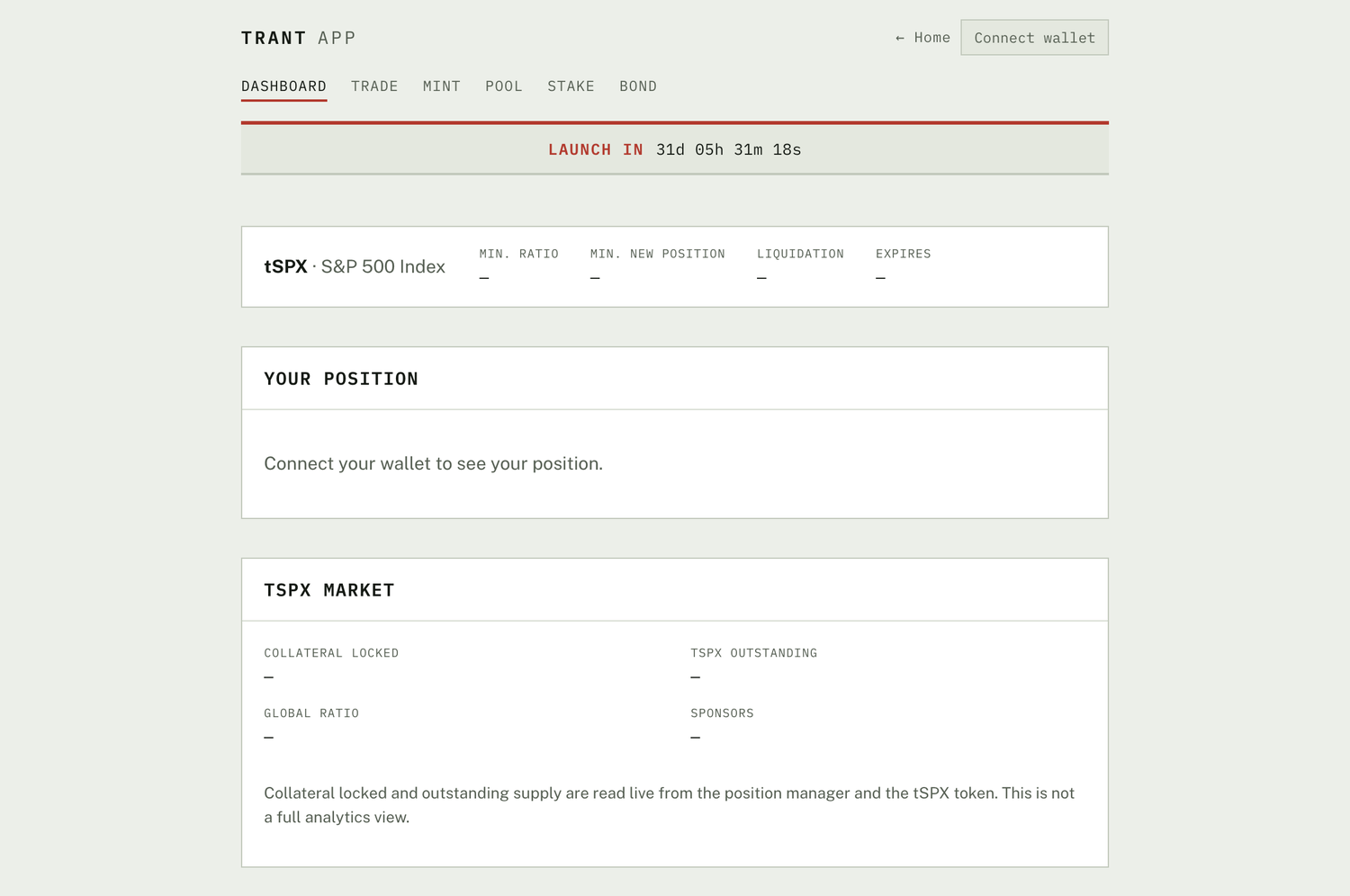
The only screen backed by live data. The synth header shows the minimum collateral ratio, minimum new-position size, liquidation threshold, and expiry for tSPX. Your position is where a connected wallet's collateral, debt, and ratio would appear. tSPX market reads collateral locked, synthetic outstanding, global ratio, and sponsor count straight from the position manager and the tSPX token, it is a status readout, not an analytics view.
Mint
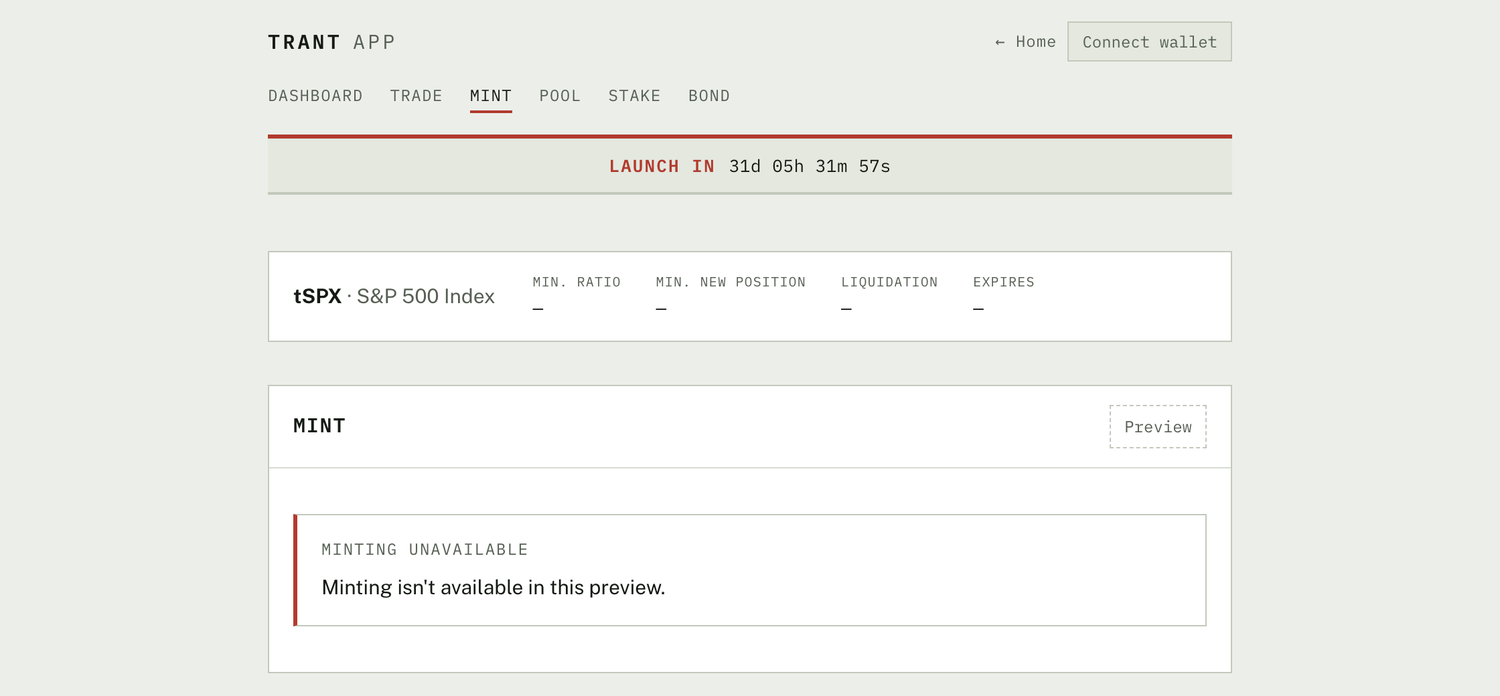
The mint screen is where collateral is locked to create a new tSPX position against the fixed minimum ratio (Model A). The layout is in place; minting itself is disabled in this release.
Trade
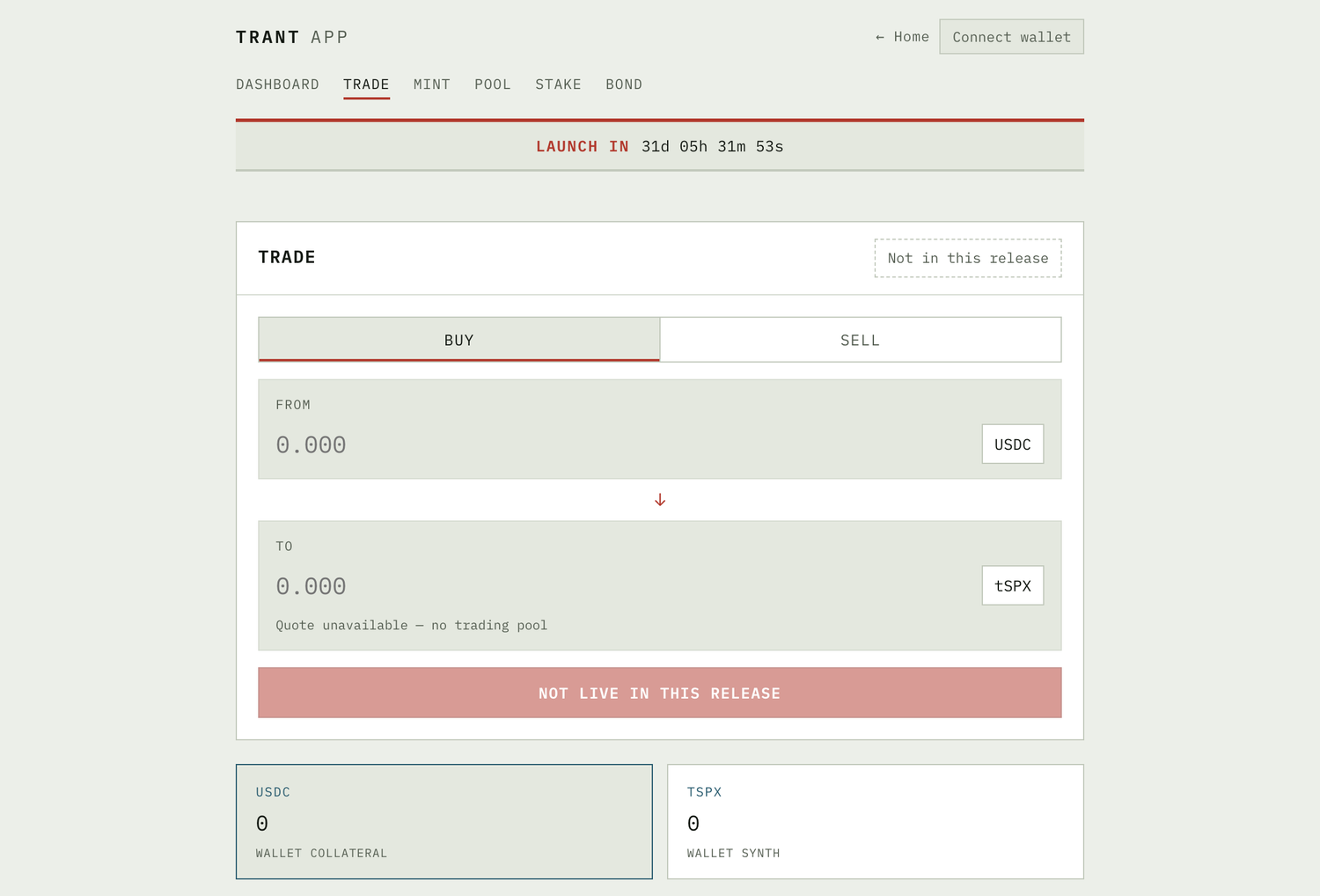
A swap screen for moving between collateral and a synthetic through the protocol AMM: a buy / sell toggle, a from / to pair, and a live quote. There is no trading pool in this release, so the quote is empty and the action is blocked.
Pool
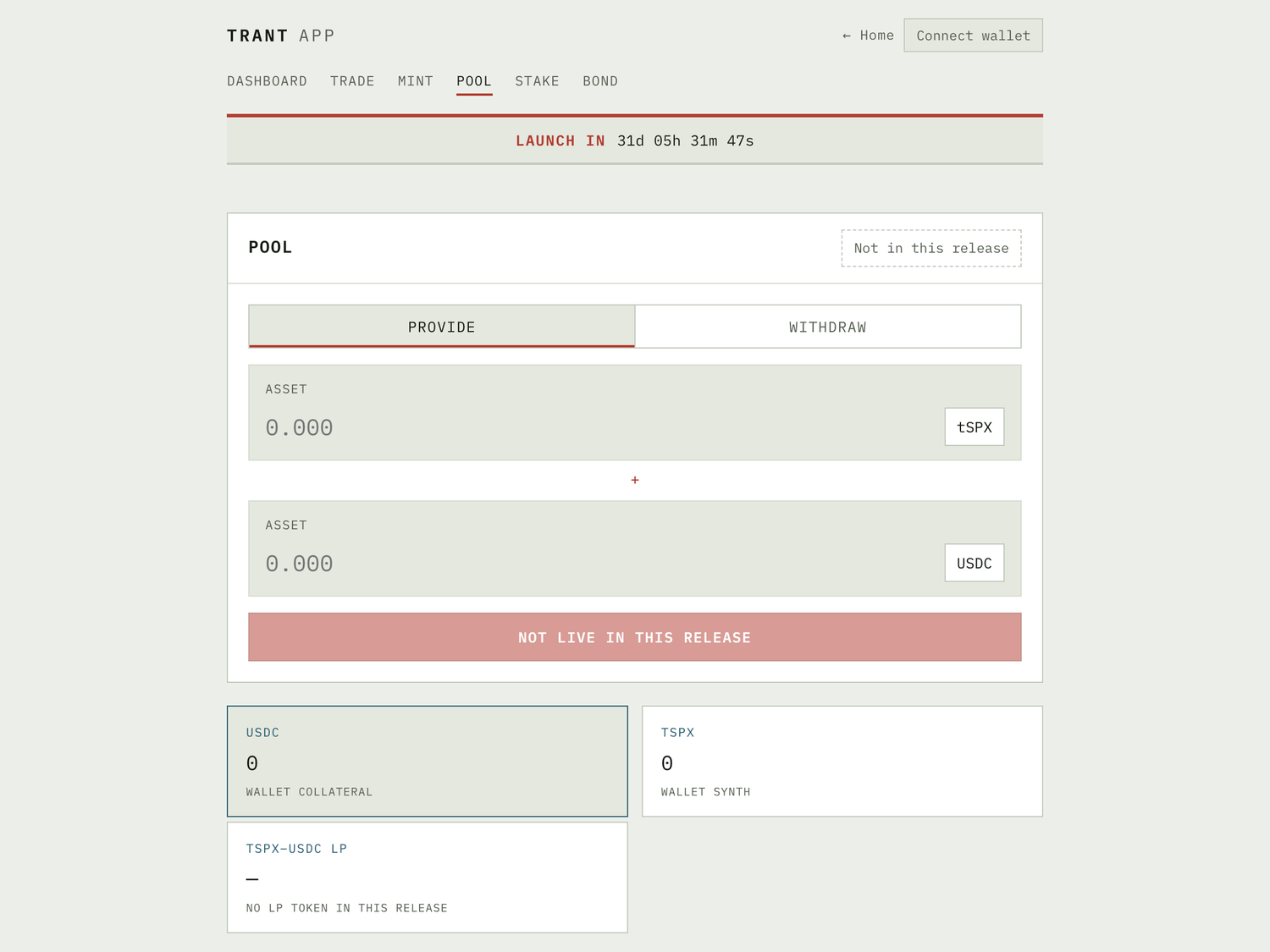
The liquidity screen: a provide / withdraw toggle and a two-asset input for depositing a synthetic and its collateral into a pool in exchange for LP tokens. No pool or LP token exists in this release.
Stake
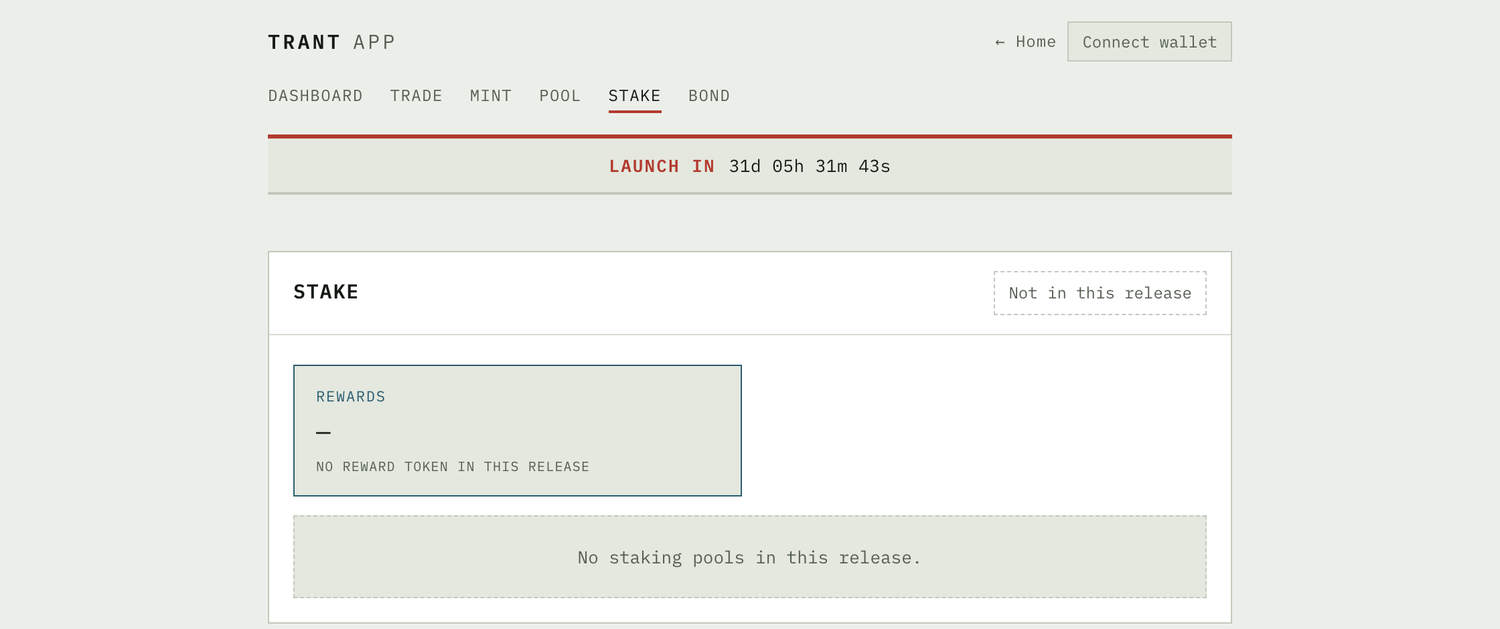
Where LP tokens are staked to earn $GAUGE emissions, and rewards are claimed. There is no reward token and no staking pool in this release.
Bond
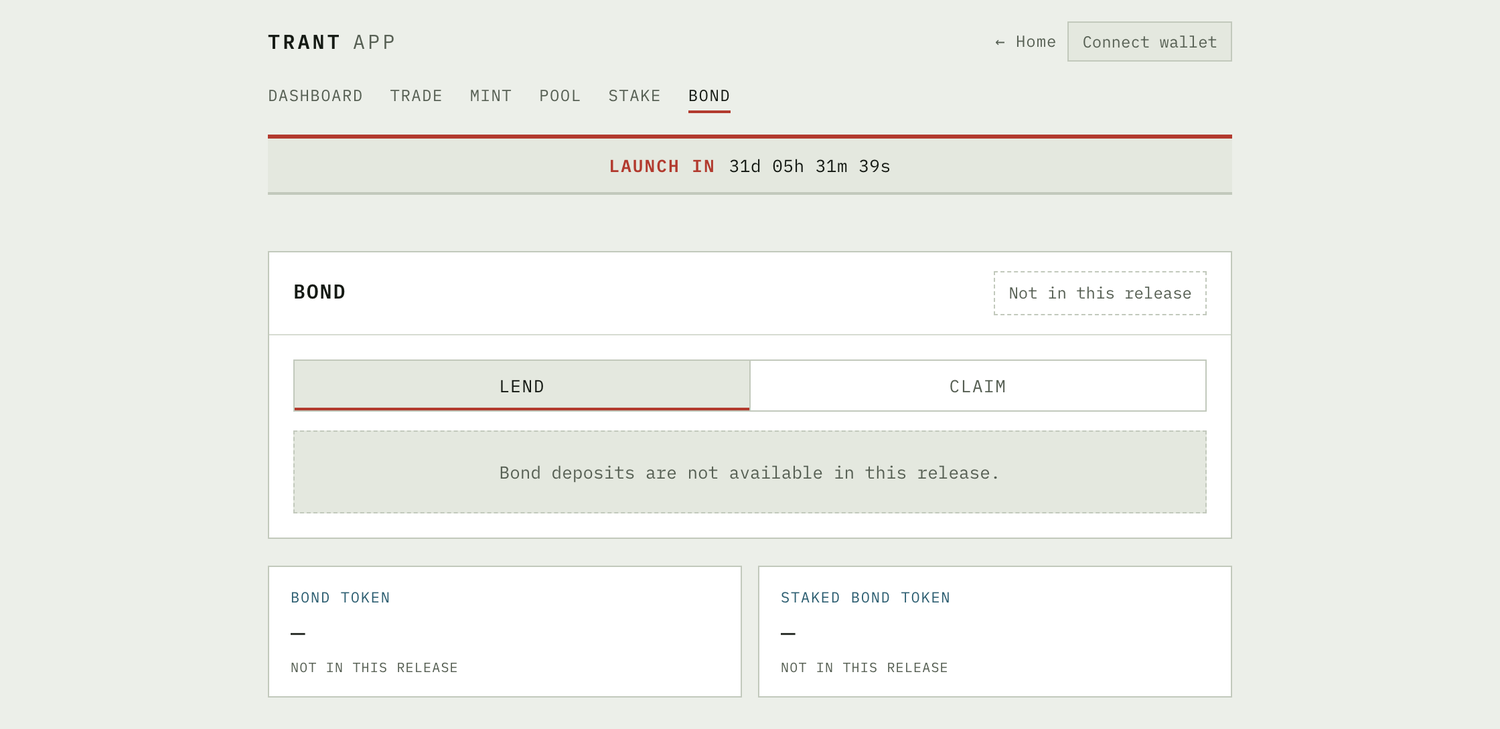
The bond screen: a lend / claim toggle for depositing capital in exchange for $GAUGE at a discount that vests over time. Bond deposits are not available in this release.
Why ship a preview
The dashboard proves the read path against a real deployment of the position manager, and the preview screens fix the shape of every user-facing action before the contracts behind them land. Every screen here is subject to change and none of it is a commitment to ship on a particular date.